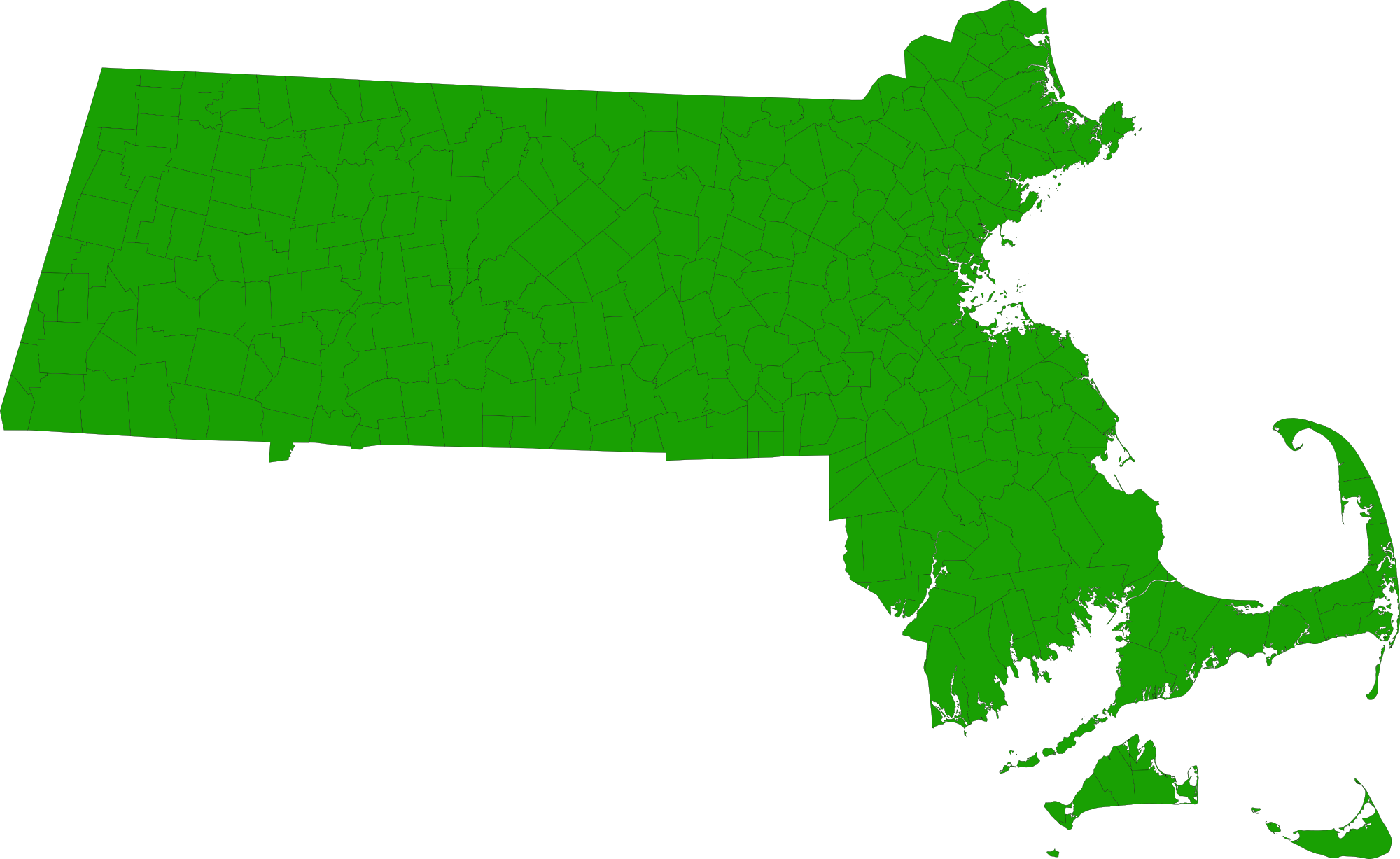
This example is a Google map initially displaying multiple KML data files called:  OverlayKml.kml and MA_cities.kml.

The overlay is a png image of Massachusetts cities and towns.  See MA_cities_and_towns.png

The opacity of the overlay can be controlled by the radio buttons at the top of the page. The overlay visibility and
opacity are controlled by the KmlMapParser public methods called:
setOverlayVisibility(Boolean isVisible) and setOverlayOpacity(Number opacity).

Also the map markers, shapes and related sidebar can be visually removed form the map by checking/unchecking "Display Data"
which used the public method setVisibility(Boolean isVisible);
| showOverlaysInSidebar | Boolean | true to show overlays in the side bar; false will not display any overlays in the sidebar; default is true. |
|---|